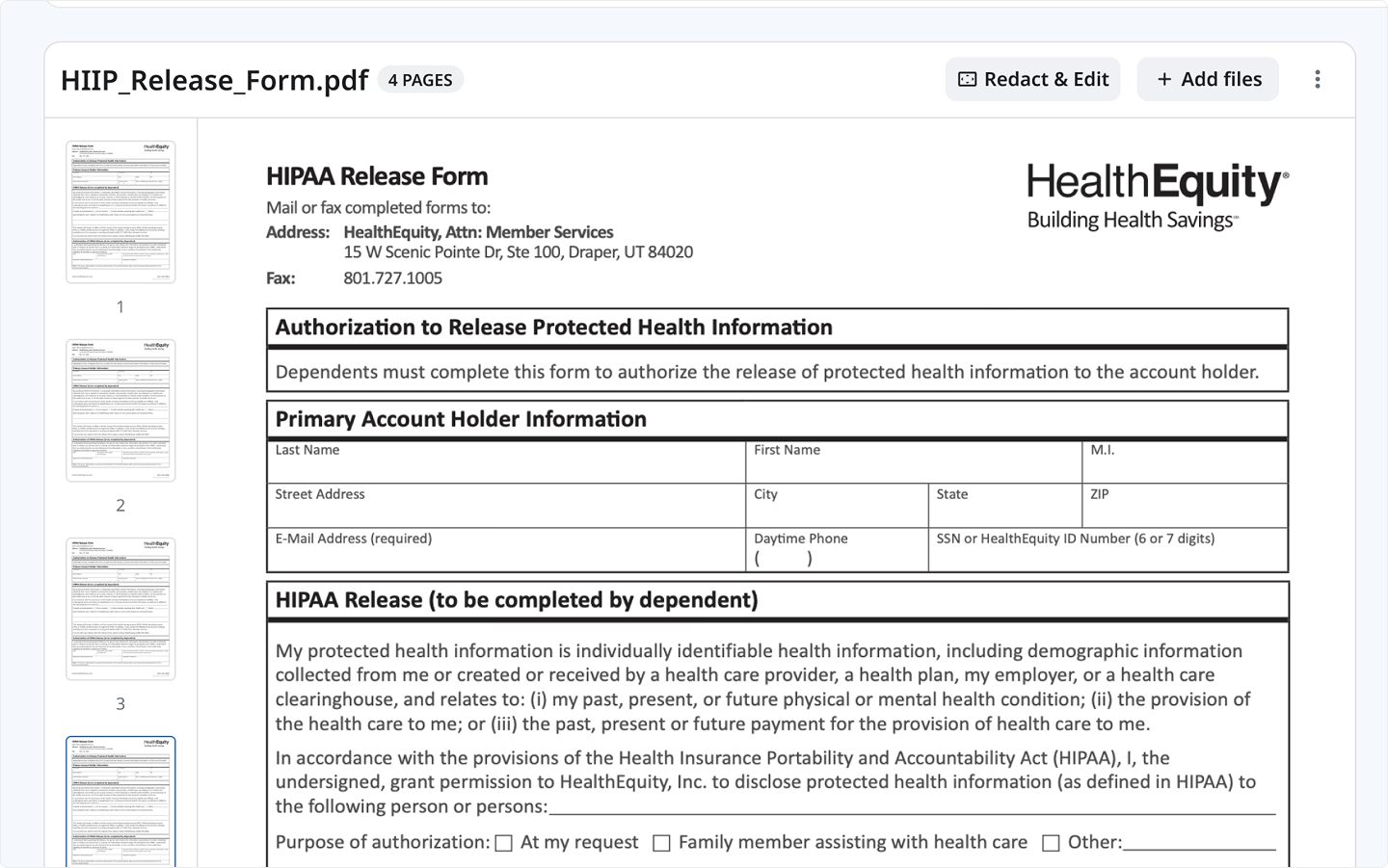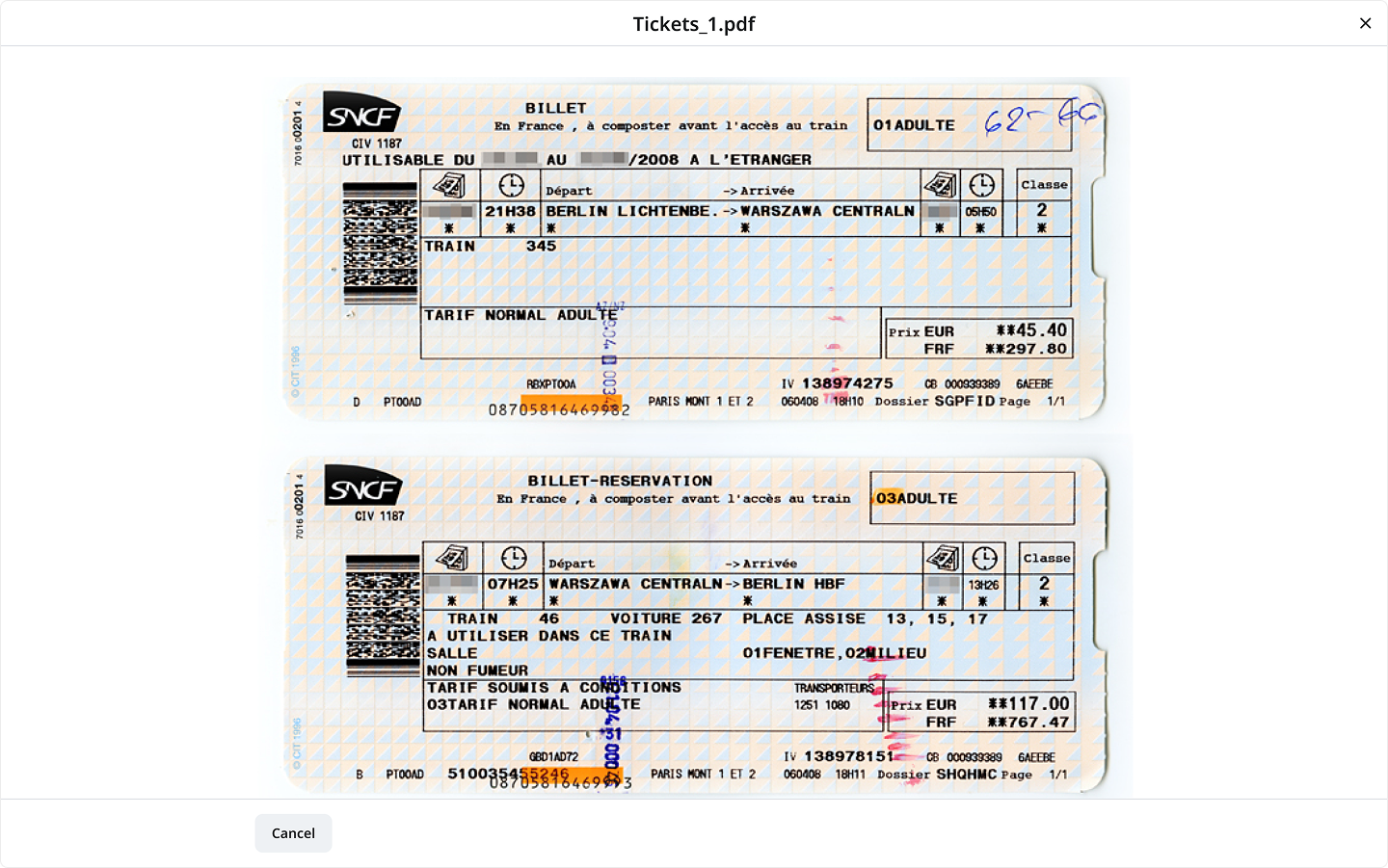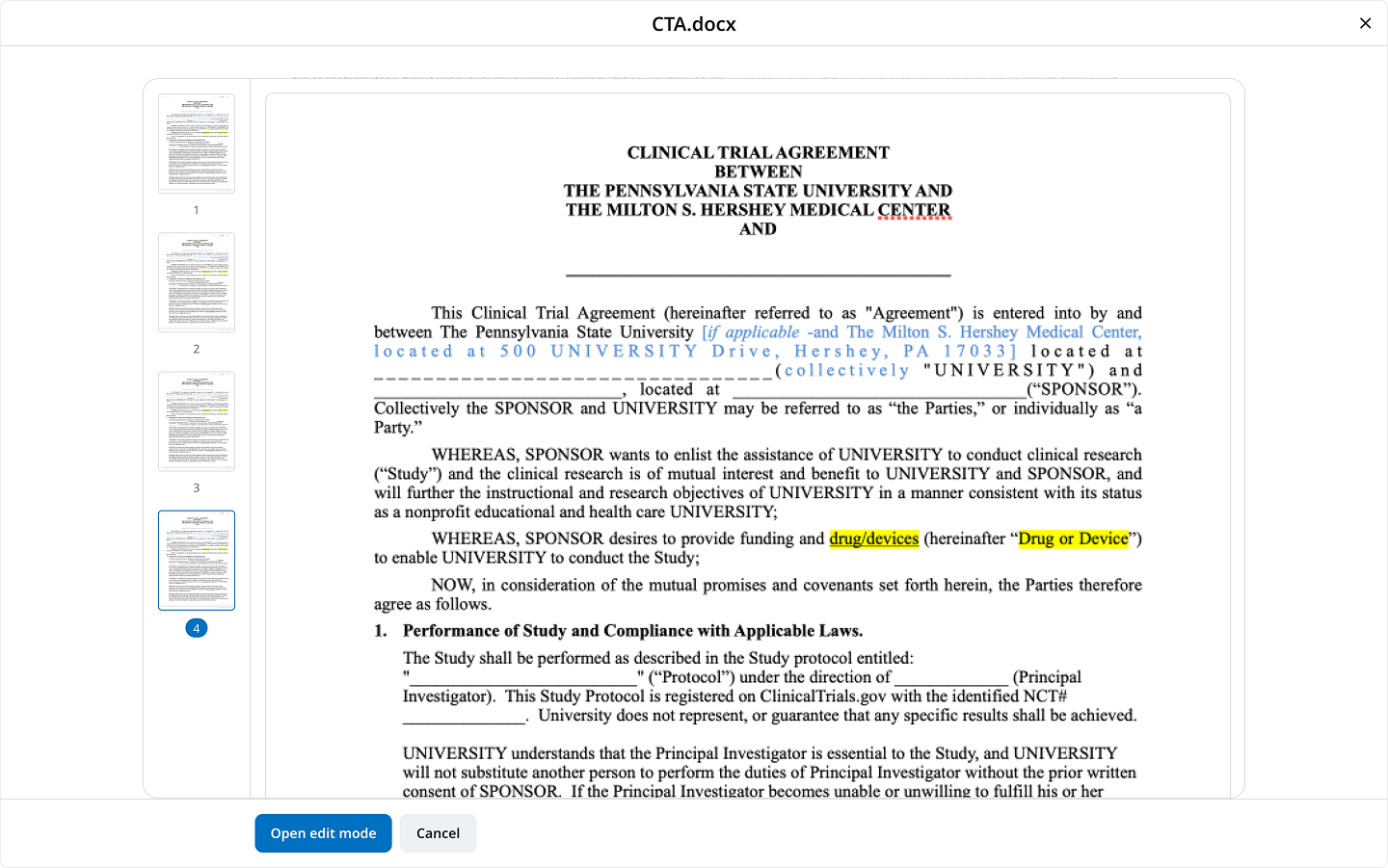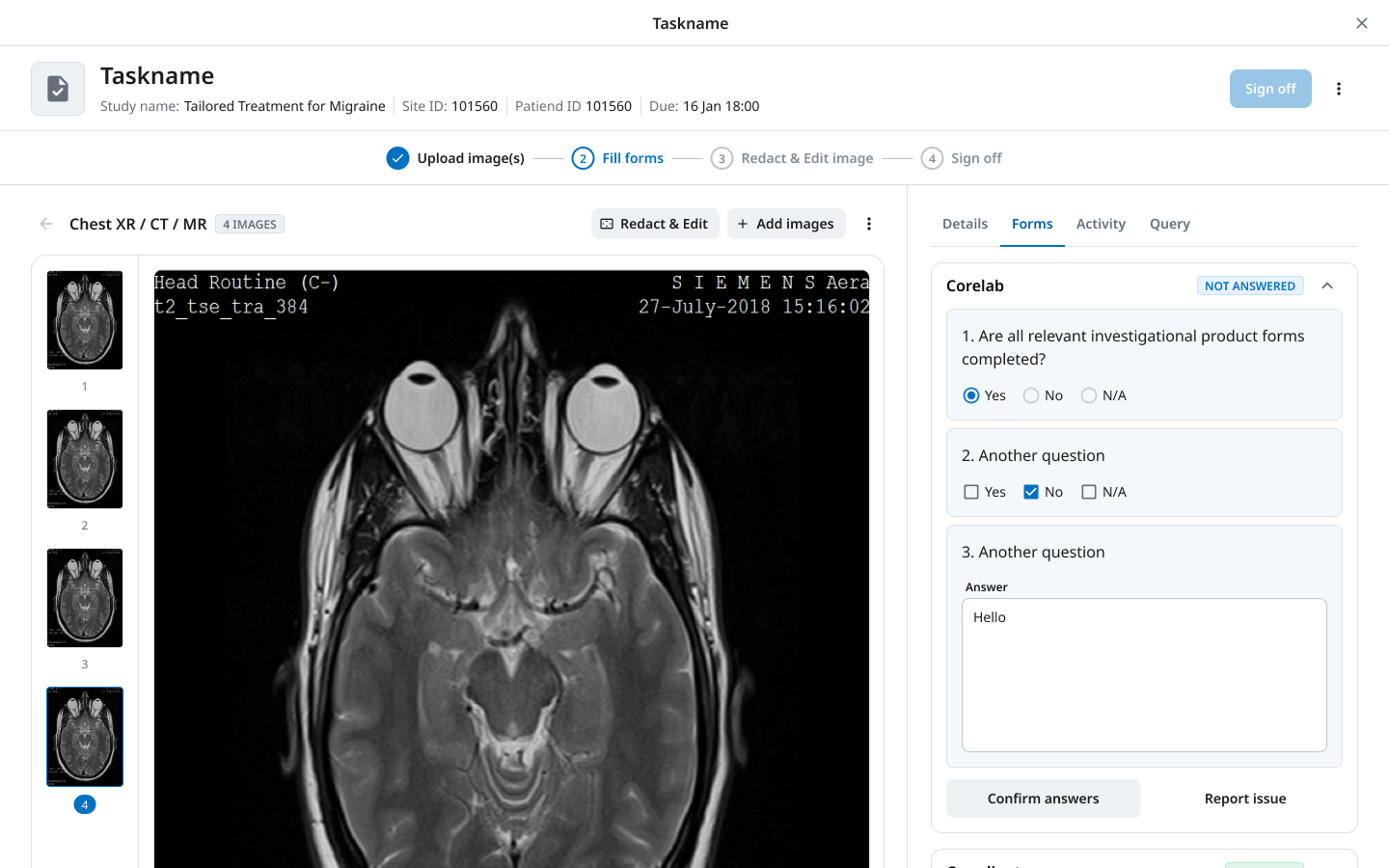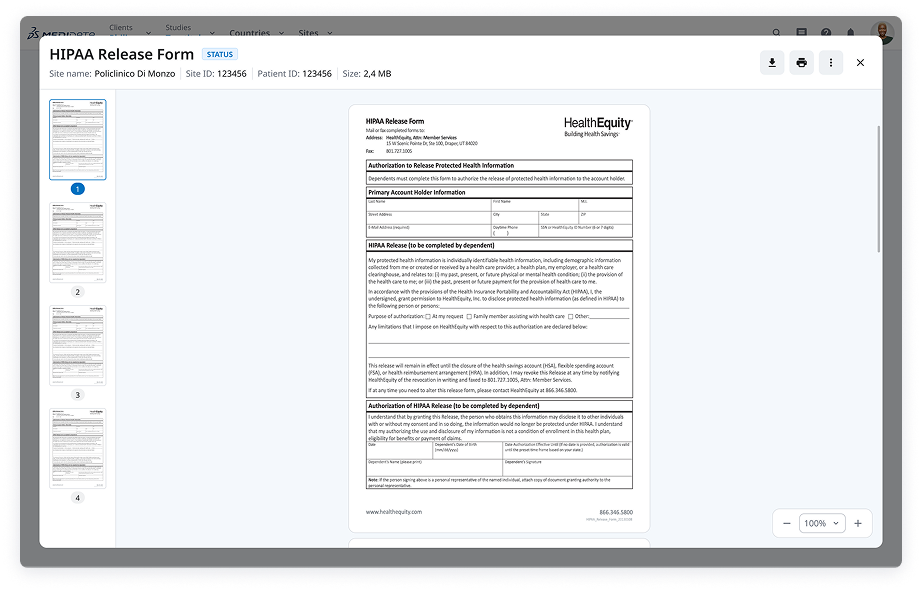
A design system pattern that let users open documents, images, and custom content on top of any screen — without losing their place in the workflow. Built to replace nine different ad hoc solutions across the platform.
The problem
Medidata’s platform is a suite of interconnected products used to manage clinical trials — from patient data to site contracts to imaging workflows. As the platform grew, a mundane need kept surfacing: users needed to open and view files — scanned forms, medical images, signed PDFs, contract documents.
There was no system-level answer. Each product team solved it locally. The result was nine different interpretations of the same interaction — some opened files in bare modals with a Cancel button, others launched full-page navigations that lost the user’s context entirely, others built elaborate custom flows that couldn’t be reused by anyone else.
This wasn’t just a consistency problem. It was a navigation architecture problem — and nobody had named it yet.
Two of nine local solutions: a bare modal with just a Cancel button (left) and a fully custom countersign flow (right). Both solved the same underlying need; neither could be reused.
Document viewer in RSR with a questions panel (left) and medical imaging viewer with DICOM filmstrip and parallel form (right). Closest to the final pattern — but isolated to their respective products.
The problem wasn’t that teams built bad solutions. It’s that every team had to build a complete solution from scratch, for the same underlying need.
Research
Before designing anything, I audited every place in the platform where a file needed to be viewed. Nine to ten distinct use cases across products: contract review during negotiation, uploading and reviewing medical images alongside a form, countersigning HIPAA consent documents, previewing dataset schemas.
The use cases weren’t all “view a file.” They fell into three distinct modes of intent — and that distinction drove the architecture:
Quick reference — glance and return
User needs to check a file without interrupting what they're doing. Opening, reading briefly, and closing. Context preservation is critical. Most current solutions broke this entirely by navigating away.
Review + action — file and form together
User needs to open a file while simultaneously completing a task — filling a form, confirming answers, leaving a query. The file and the task exist in parallel. This was the most common use case and the hardest to solve without a new navigation object.
Complex workflow — file as entry point
File opening triggers a multi-step flow. Countersigning a consent form. The file isn't the destination — it's the start of a guided process. This is where the pattern had to be something more than a viewer.
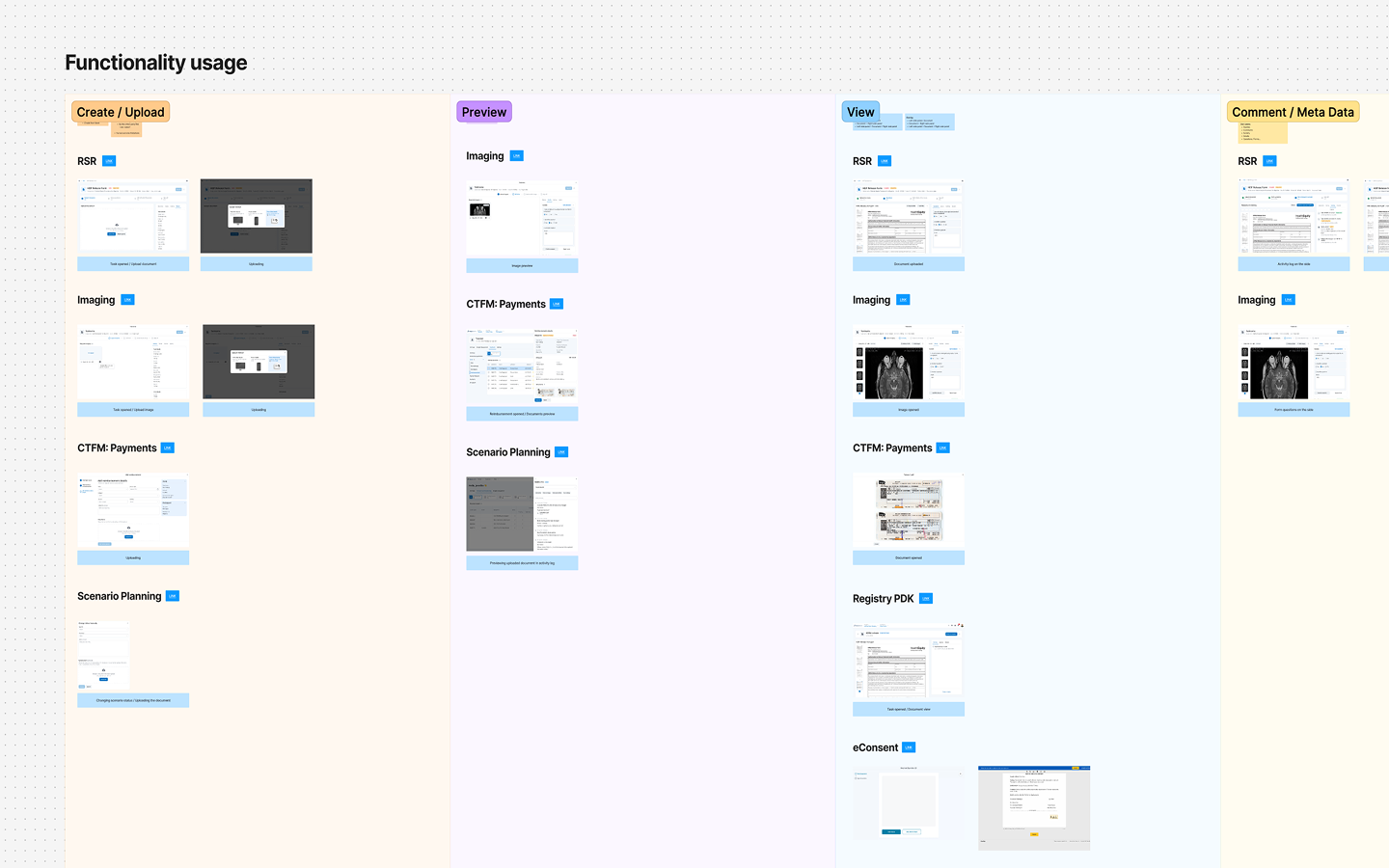
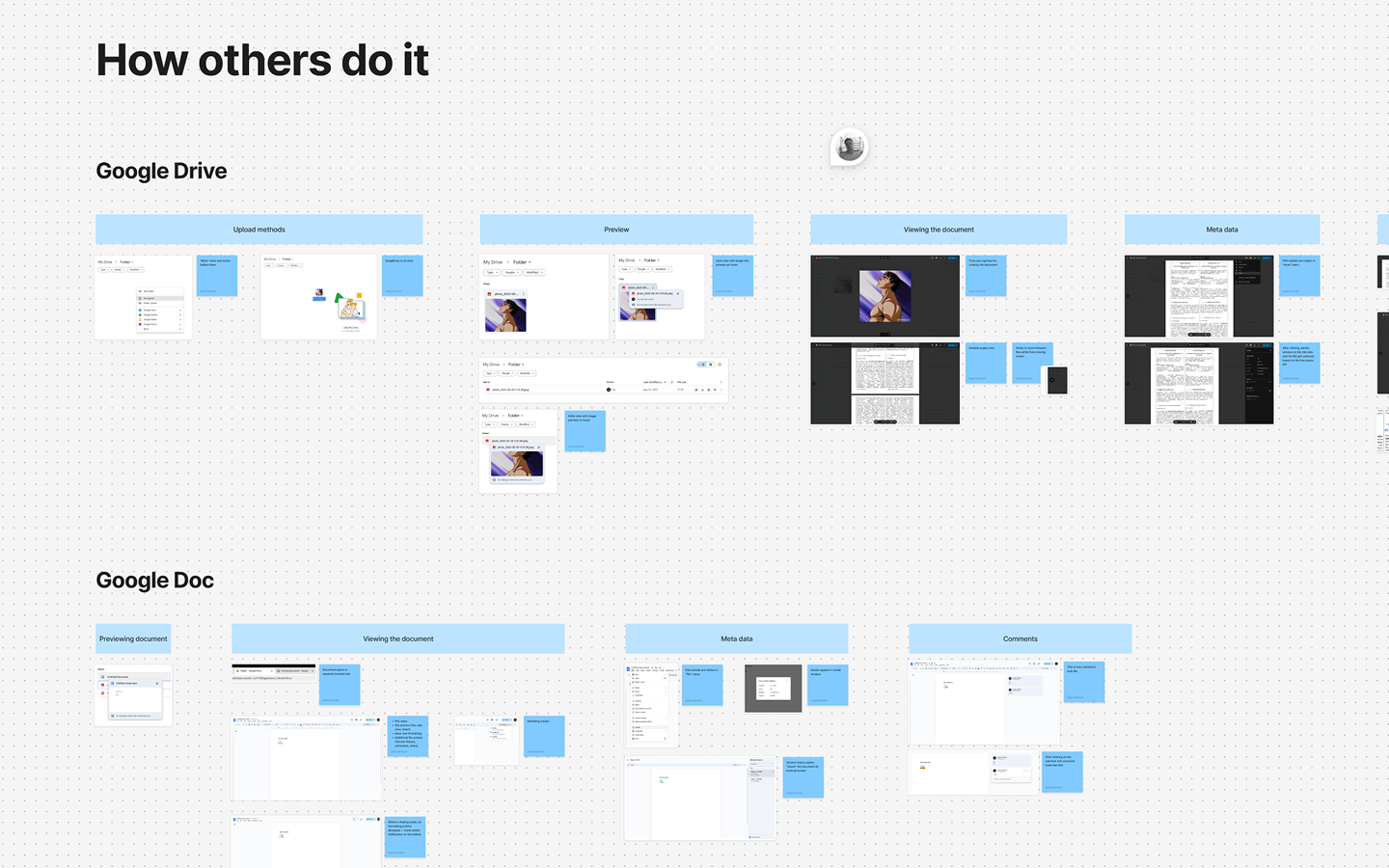
I also analysed ~10 external platforms: Google Drive, Notion, Figma, DocuSign, Dropbox, Box, Linear, GitHub, Cerner, Epic. Most either opened files in new tabs (breaking context entirely) or used modals (constrained, and incompatible with the parallel-task use case). None had a clean answer for the regulated, multi-product environment we were working in.
The insight
Medidata’s existing navigation hierarchy had four levels: parent pages, child pages, side panels, and modals. A file viewer doesn’t fit in any of them cleanly — too heavy for a modal, too interruptive for a side panel, too temporary for a page.
The insight was to stop thinking about this as a UI component and start thinking about it as a navigation object — a new level in the hierarchy that sits above modals but below full page navigation. One that can be invoked from anywhere in the system and closed without affecting the user’s current place in the workflow.
Parent pages
Child pages
Side panels
Overlays
Modals
Viewer — missing
We didn’t need a better document viewer component. We needed a new type of surface — one that could hold any content, open from anywhere, and be closed without side effects. The document viewing was just the first thing to fill it.
This reframe unlocked the second mode. If the pattern was a navigation layer and not a file viewer, then the content inside it didn’t have to be a document. It could be anything a designer needed to place there — a custom workflow, a dataset mapper, a countersign flow — while using the same underlying navigation model as the file viewer.
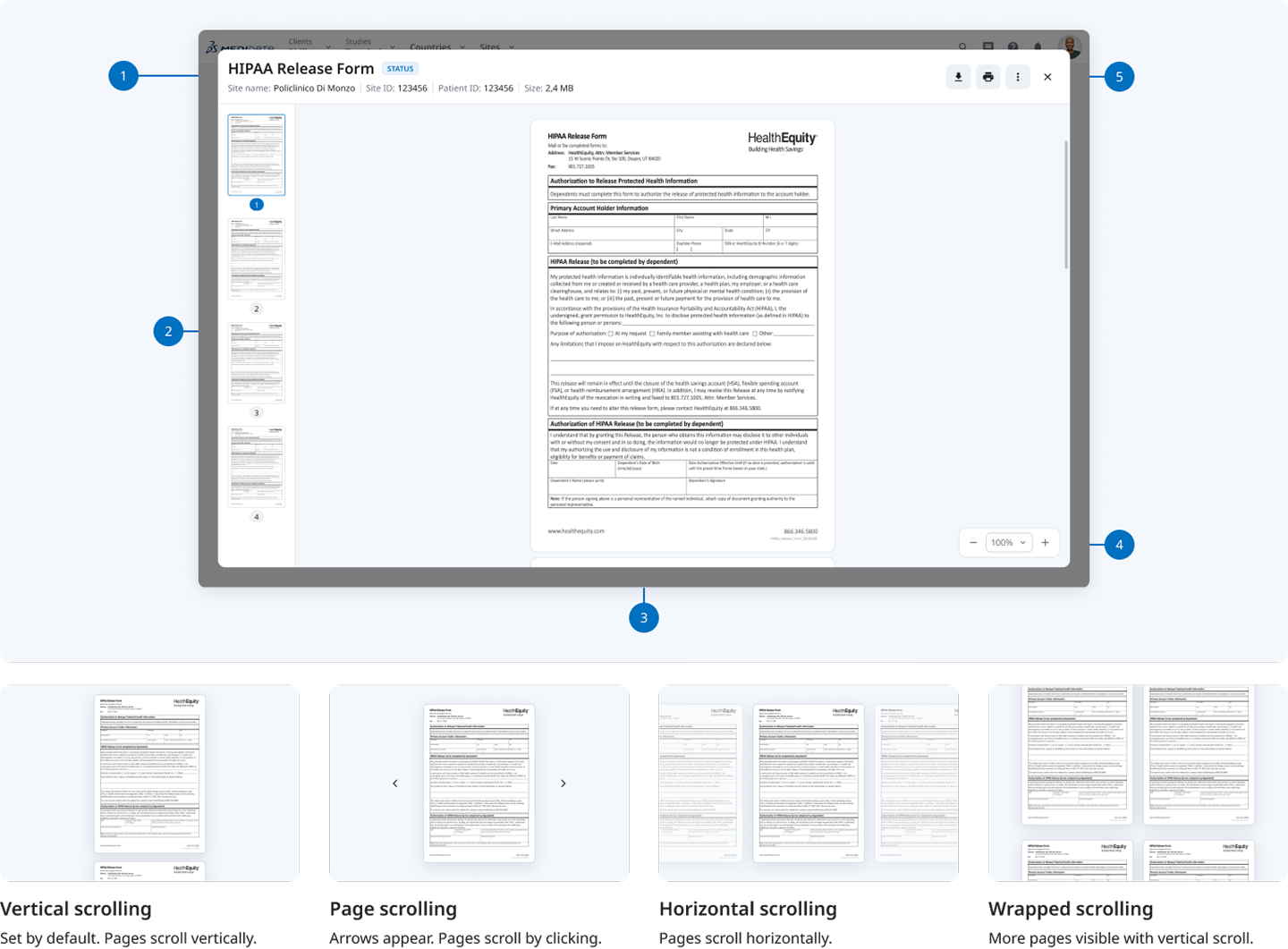
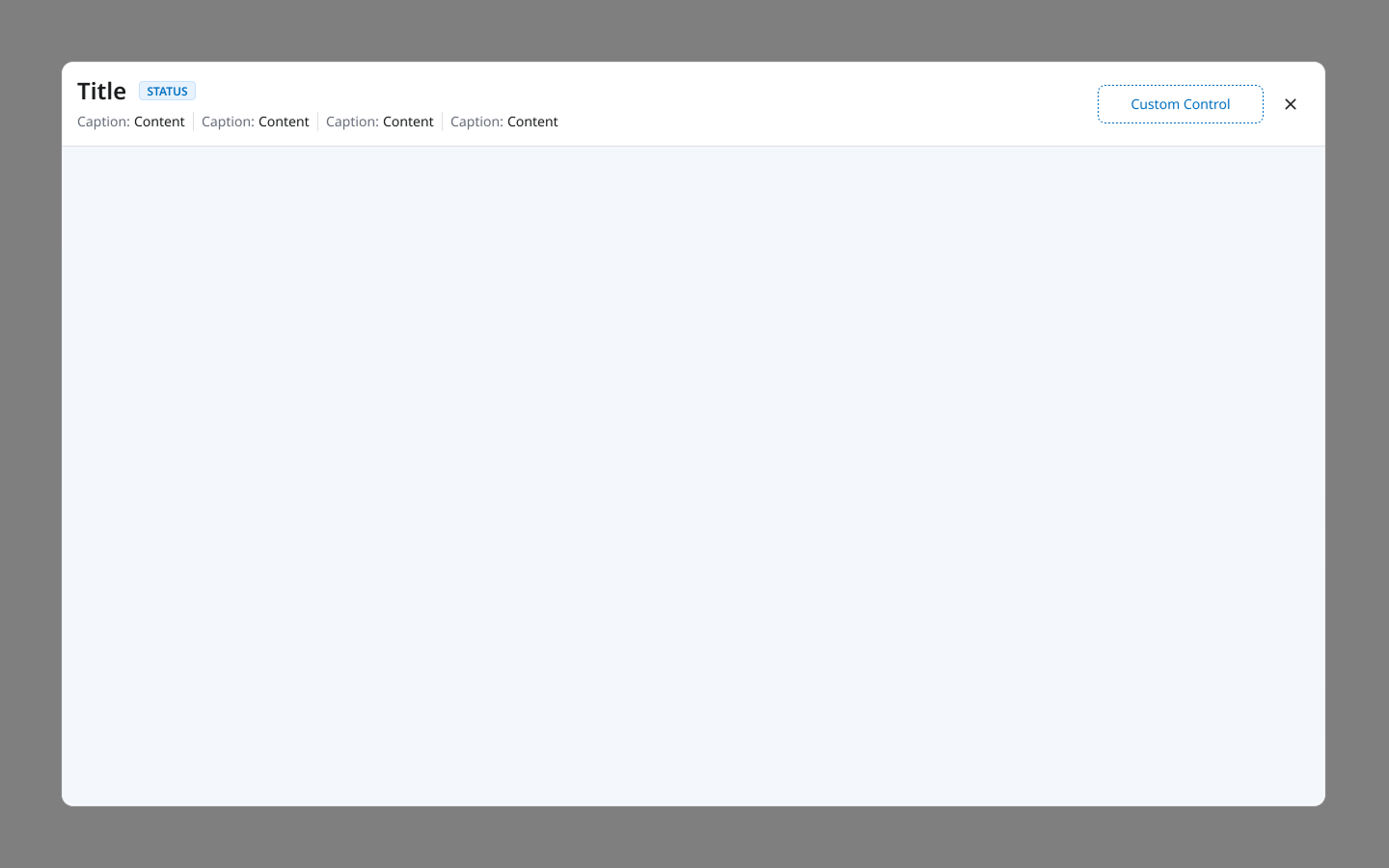
Two modes, one pattern: Media viewer (documents and images with built-in controls) and Custom content (a blank canvas inside the pattern shell, for product teams to build inside).
The hard parts
Defining where it sits in the navigation hierarchy
This wasn't a modal, and treating it like one would have recreated the overlay-stacking problem we were trying to solve — opening a file while inside a modal or side panel would create nested overlays. The pattern needed an unambiguous, named position in Medidata's navigation model that other designers could apply consistently. It now sits above all overlays and modals, but below full page navigation.
Flexible enough to be universal, specific enough to be useful
A pattern that tries to serve every use case usually serves none well. The tension was between making it flexible enough that every product team could adopt it, and specific enough that it actually constrained the right things. The 'When to use / When NOT to use' documentation came directly from working through that tension — not from theory, but from testing the pattern against each of the nine use cases.
The custom content mode wasn't in scope — until it was
The pattern was originally designed for media files only. During design, I noticed that teams building complex document workflows (like countersigning) had the same navigation problem — they needed to open a flow on top of their current context without navigating away. The pattern's shell — same header, same position in the hierarchy, same dismissal behaviour — could hold that too. Adding custom content mode expanded the pattern's value significantly and is what drove adoption beyond the teams that had the original file-viewing problem.
Anatomy
The pattern shares a common shell — header with icon buttons, a consistent position in the z-axis, and identical open/close behaviour — regardless of what’s inside it. What changes is the content area.
Media viewer mode: the five component zones and four scrolling mode variants.Custom content mode: identical shell, blank interior. Product teams design the content; the navigation behaviour is inherited.
The pattern can be invoked from anywhere in the system: from an overview page, a child-object page, a side panel, or from inside a modal window. Opening it never navigates the user away from their current context.
Documentation
A pattern without clear constraints becomes a crutch. The rules below came from testing the pattern against each of the nine use cases — not written upfront, but earned.
When to use
Quick reference without disruption
User needs to consult a file while staying in their current task. Use this pattern to keep context intact.
File + parallel task
User needs to view a document and complete an action simultaneously — filling a form, confirming answers, raising a query.
Fast actions on the file
Print, download, or annotate are accessible immediately inside the viewer — no additional navigation required.
Custom flow requiring same nav behaviour
Any multi-step workflow that needs to open above the current context and close without side effects. Use custom content mode.
When not to use
Complex file editing
If the user needs to make substantive edits to a document, open a dedicated editing tool or external flow. The viewer is for viewing.
Long multi-step workflows
If the flow inside exceeds 3–4 steps or requires its own sub-navigation, a dedicated page or section is more appropriate.
The user needs to stay on the content
If the file itself is the destination — not a reference — a full page view is more appropriate than the viewer.
Outcome
The pattern was adopted across Medidata’s product ecosystem, replacing the fragmented mix of local solutions that had been accumulating for years. Product teams that had built their own viewers migrated to the shared pattern; new products that needed file viewing didn’t have to solve the problem from scratch.
The custom content mode exceeded its original scope. Teams used it for workflows that had nothing to do with file viewing — the countersign flow, the dataset mapper, and others. A pattern designed to solve document preview ended up as a reusable surface for any workflow that needed to open above the current context.
9+
internal use cases mapped before the pattern was designed
2
component variants that replaced all existing local solutions
10+
external platforms analysed during competitive research
Starting from a specific product constraint and ending up as a platform-wide primitive is the outcome that makes this work worth including here.